
Modern life is about having all the information you need at your fingertips, and driving is no different.
While modern infotainment systems largely cover a lot of bases in this respect, they're not quite as connected to your mobile phone as you might like.
That’s why so many drivers use smartphone mirroring systems, such as Android Auto.
An alternative to Apple CarPlay for those with a Google-based phone from makers such as Google, Samsung and Sony, Android Auto gives quick and easy access to a host of applications to keep you connected.
As car makers develop increasingly convoluted infotainment systems, it's even got to the point where many drivers prefer mirroring services like Android Auto over the standard operating system (OS) fitted to their cars.
It's no surprise that around 150 million cars worldwide now have Android Auto installed.
But what exactly is Android Auto, what services does it offer, and how can you access it? We've put together this comprehensive guide with all the information you need to know.
What is Android Auto?
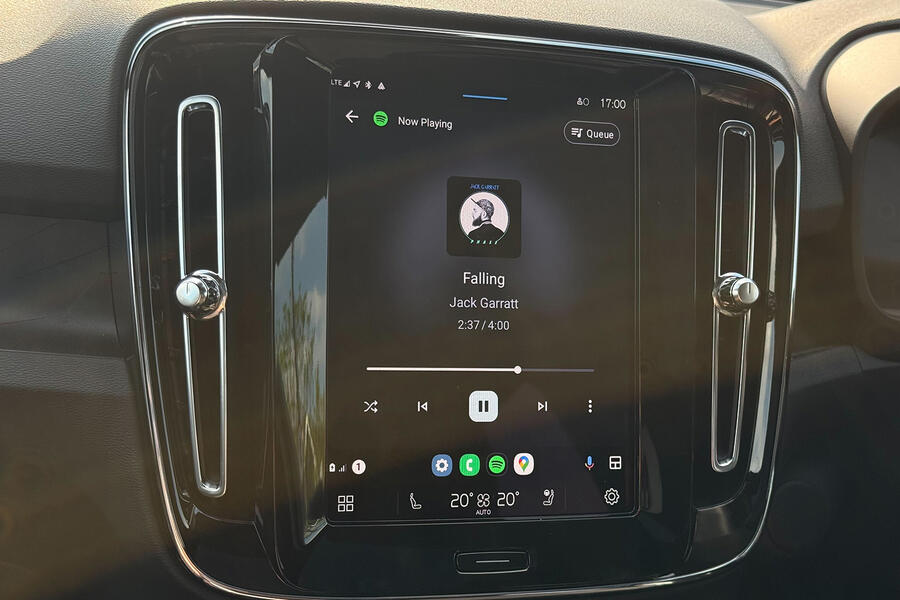
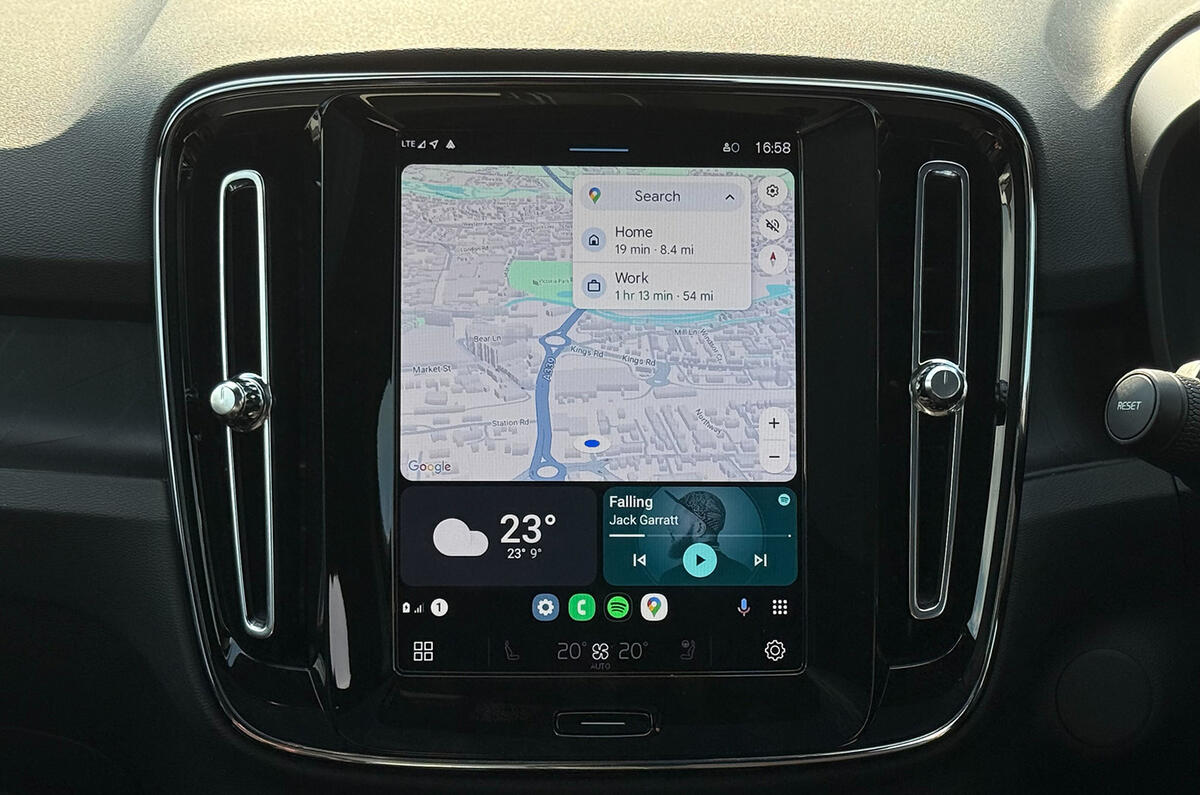
Android Auto is a car-based driving companion created by Google to bring all the convenience of your phone directly to your car’s dashboard.
It was initially introduced to improve safety while driving, but there’s a lot you can do with it. It’s a service that lets you connect your Android phone to the car's infotainment system to display sat-nav apps, legally take phone calls, reply to messages and play audio.

These functions are accessed via large icons on your car's infotainment screen and through voice commands. Google says it intends the software to reduce your levels of distraction as much as possible, so the icons should be easy to reach when you're driving.